
IPTV VPN: Stream Your IPTV Privately, Without Throttling
AtlasX VPN is an IPTV VPN built for smooth, private streaming. It hides your IPTV traffic from your internet provider, so it can’t single it out and slow it down, and it keeps working on Wi-Fi networks that block streaming. One link protects your Fire TV, Android TV, Apple TV, phone and computer.
- Unlimited data
- No auto-renewal
- 7-day money-back guarantee (14 days in Europe)
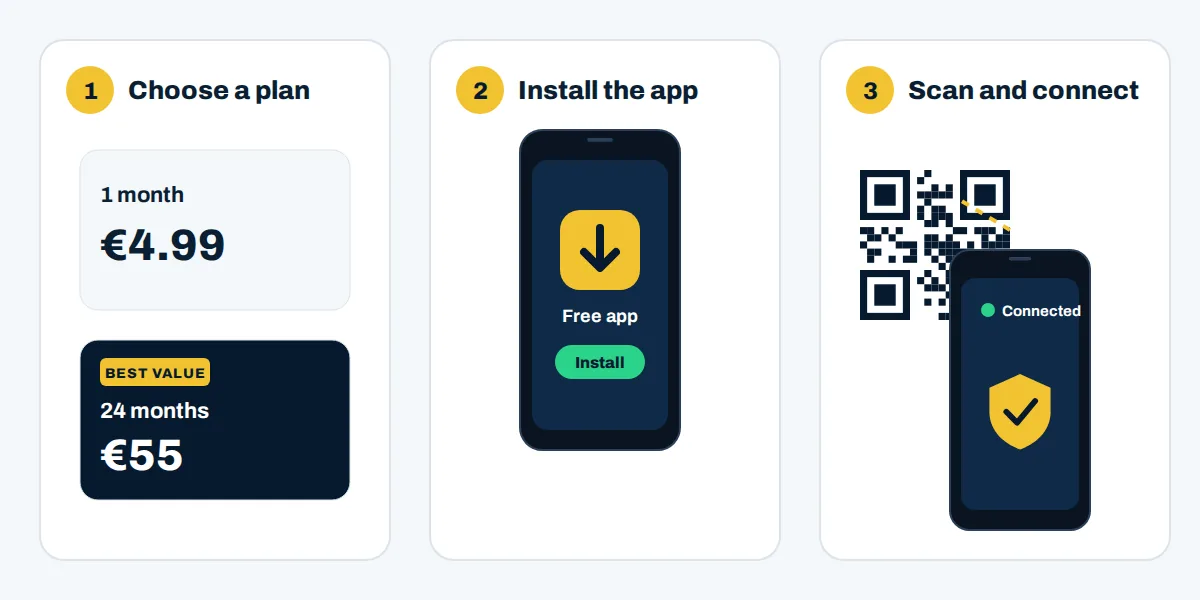
How to start streaming IPTV with AtlasX VPN
You can be set up in a few minutes, with no technical knowledge.
Choose your plan
From €4.99 for one month, down to €2.29 per month on the 24-month plan. Every plan includes all servers, unlimited data and streaming.
Install the free Happ app
Happ runs on Fire TV, Android TV, Apple TV, Android, iPhone, iPad, Windows, Mac and Linux.
Scan your link and connect
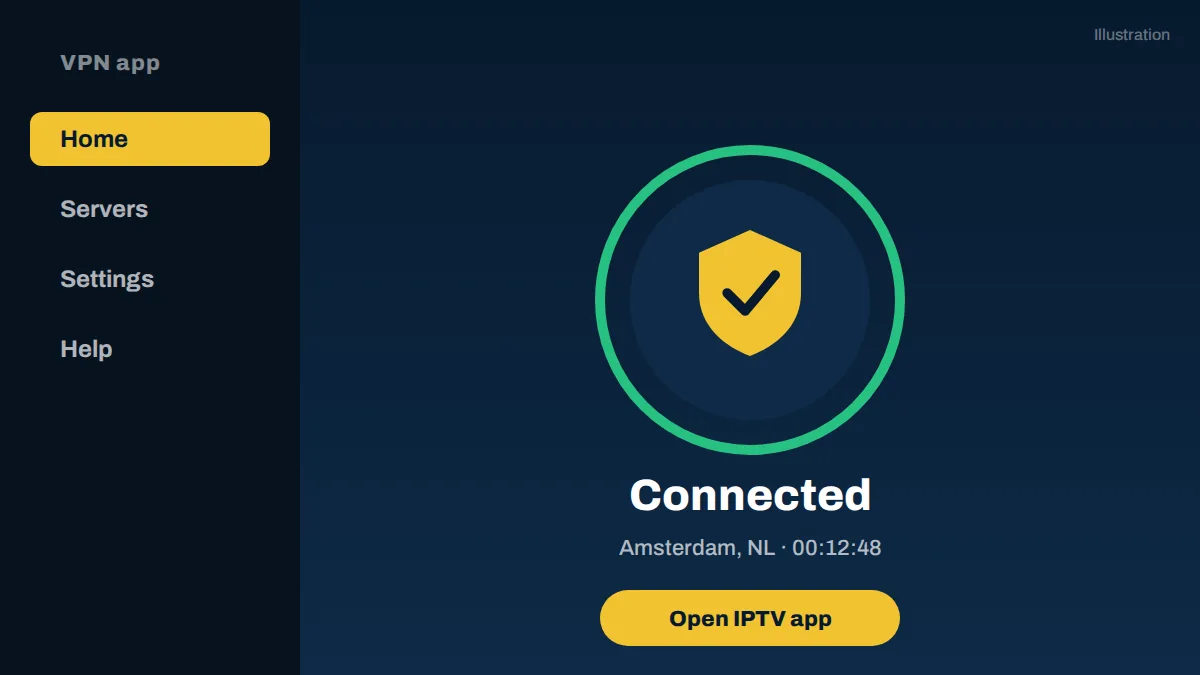
Your subscription link and QR code arrive by email right after payment. Scan it in Happ, tap connect, then open your IPTV app.
Why use a VPN for IPTV?
A VPN creates an encrypted tunnel between your device and the internet. For IPTV, that brings five practical benefits.
Stop ISP throttling of your IPTV streams
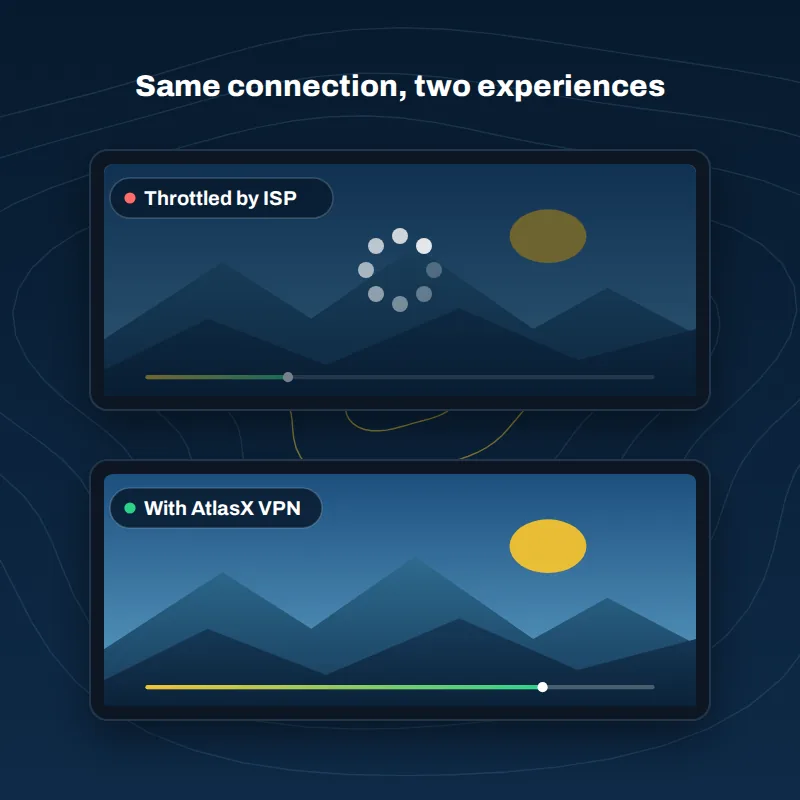
Some internet providers detect streaming traffic and slow it down, especially at peak times. With AtlasX VPN, your provider only sees encrypted data, so it can’t pick out your IPTV stream to throttle it. A VPN can’t speed up a slow line or an overloaded IPTV server, but it removes throttling from the equation.
Get past networks that block streaming
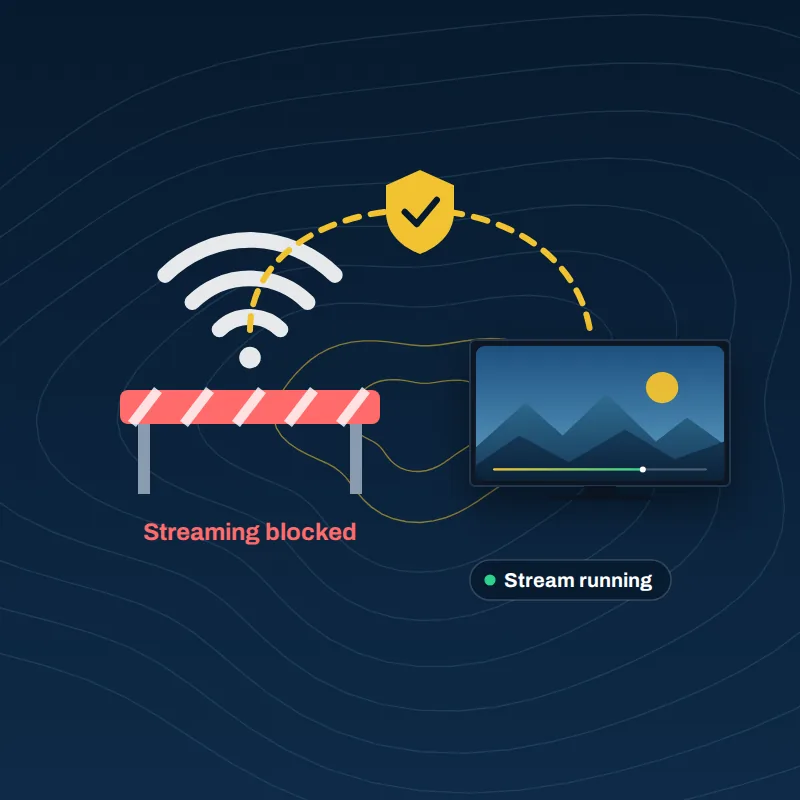
Hotels, offices, schools and some mobile networks block streaming apps. AtlasX VPN uses modern protocols that look like ordinary HTTPS traffic, so your connection keeps working on networks where standard VPN protocols are often detected and cut off.
Watch safely on public Wi-Fi
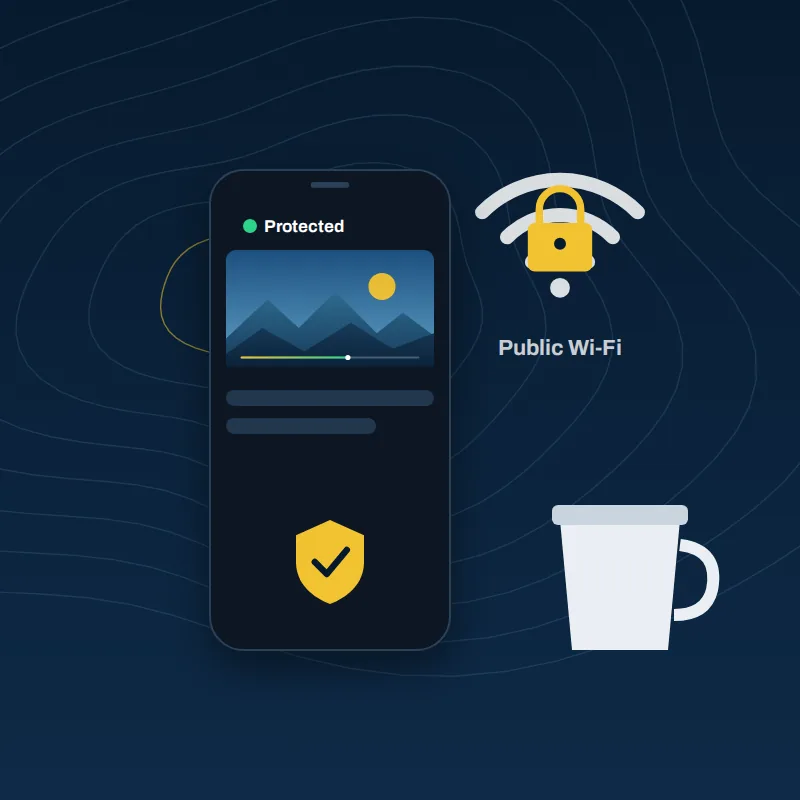
On airport, café or hotel Wi-Fi, whoever runs the network can see which services you connect to. AtlasX VPN encrypts everything, so they only see scrambled data, not your playlists.
Keep your viewing habits private
Your internet provider can no longer build a profile of what you watch. On our side, connection logs are deleted automatically within 24 hours.
Protect every app, not just IPTV
Once connected, your IPTV player, browser and messaging apps all go through the same encrypted tunnel.
Set up your IPTV VPN on any device
AtlasX VPN works wherever the free Happ app installs. Pick your device below.
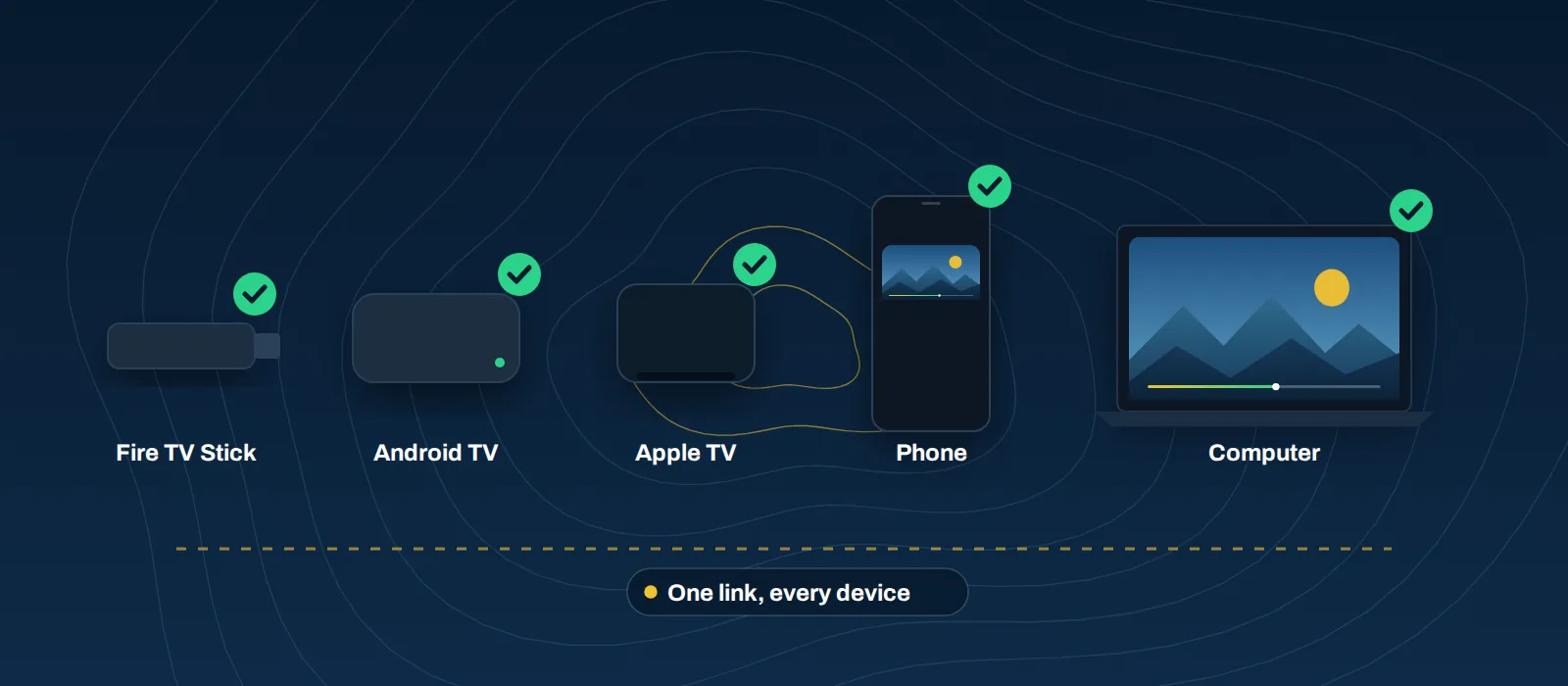
Fire TV Stick (Firestick)
- Install the Downloader app from the Amazon Appstore.
- Use Downloader to install Happ.
- Import your AtlasX link and connect.
- Open your IPTV app and start watching.
Android TV and Google TV
- Install Happ from Google Play on your TV.
- Import your AtlasX link and connect.
- Open your IPTV app.
Apple TV
- Install Happ from the App Store on your Apple TV.
- Import your AtlasX link and connect.
- Open your IPTV app.
Android phones and iPhone
- Install Happ from Google Play or the App Store.
- Scan your QR code and connect.
- Open your IPTV app.
Windows and Mac
- Download Happ for desktop.
- Import your link and connect.
- Open your IPTV player or browser.
Samsung, LG and Hisense smart TVs
These TVs can’t install VPN apps. Connect them through another device that shares its VPN connection; our setup guide explains the options.
Why AtlasX VPN is a smart choice for IPTV
| WHAT YOU GET | WHY IT MATTERS FOR IPTV |
|---|---|
| Protocols that look like normal HTTPS traffic | Keeps your stream running on networks that block standard VPNs |
| Unlimited data, no throttling | Watch live sports and long sessions without caps |
| Streaming allowed on every plan | IPTV, Kick and Twitch, with content you have the right to watch |
| One link for all your devices | Same setup on your TV, phone and computer, up to your plan's limit |
| No automatic renewal | You pay once and decide later; no surprise charges |
| Card, PayPal or crypto | Pay the way you prefer |
IPTV VPN plans and pricing
Every plan includes all servers, unlimited data and streaming. No automatic renewal.
1 month - Trial
No commitment, to try it out
- All servers
- Unlimited data
- Streaming: IPTV, Kick, Twitch
6 months
That’s €2.50 per month
- All servers
- Unlimited data
- Streaming: IPTV, Kick, Twitch
12 months
That’s €2.50 per month
- All servers
- Unlimited data
- Streaming: IPTV, Kick, Twitch
24 months
That’s €2.29 per month
- All servers
- Unlimited data
- Streaming: IPTV, Kick, Twitch
AtlasX vs the big VPNs
The big brands advertise low prices for the first period, then renew automatically at a higher rate. With Atlas X, you pay once and decide later.
| Atlas X VPN | NordVPNBasic plan | CyberGhost | |
|---|---|---|---|
| 1 month - TRIAL | €4.99 | ≈ €12.99 | ≈ €11.99 |
| 6 months | €15 = 2,5 per month | Not offered | ≈ €41.94 |
| 12 months | €30 = 2,5 per month | ≈ €65.88 | Not offered |
| 24 months | €55 = 2,29 per month | ≈ €84 | ≈ €56.9426 months |
| Renewal price | Same pricesmall increase possible | ≈ €139 per year | Higher than the first period |
| Automatic billing | No | Yes, unless you cancel | Yes, unless you cancel |
| Streaming on Kick, Twitch and IPTV | Allowed, no data cap, content you have the right to watch | Allowed, some IPTV services block their servers | Allowed, some IPTV services block their servers |
Competitor prices are approximate, converted to euros and taken from each provider's official website on 10/10/2026. Offers change often; check their sites for current terms. NordVPN and CyberGhost are trademarks of their respective owners. IPTV observations are based on user reports and may vary by IPTV service and server. Atlas X VPN is not affiliated with, endorsed by or sponsored by either of them..
IPTV VPN: frequently asked questions
Still unsure? Write to support@atlasxvpn.com.
Does IPTV work with a VPN?
Yes. Most IPTV apps work normally with a VPN, because IPTV is simply video streamed over the internet. The main exception is when an IPTV provider blocks known VPN server addresses; switching to another AtlasX server usually solves it.
Why does my IPTV keep buffering, and can a VPN help?
Buffering has three common causes: throttling by your internet provider, weak Wi-Fi, or an overloaded IPTV server. A VPN fixes the first one. For the others, move closer to your router or contact your IPTV provider.
What should I do if IPTV doesn't work with my VPN?
Try another server, then restart your IPTV app. If it still fails, write to support@atlasxvpn.com with your device and app name, and we’ll help.
Is it legal to use a VPN with IPTV?
Using a VPN is legal in most countries, including the EU, the UK, the US and Canada. Whether an IPTV service is legal depends on whether it holds the rights to its channels. AtlasX VPN may only be used with content you have the right to watch.
What is the best VPN for IPTV?
Look for unlimited data, protocols that resist blocking, apps for your TV, and clear pricing without surprise renewals. AtlasX VPN was built around exactly those points.
Can I use AtlasX VPN on a Firestick?
Yes. Install the Happ app with Downloader, import your AtlasX link, and connect before opening your IPTV app.
Will a VPN slow down my IPTV?
Encryption adds a small overhead, and distance to the server matters, so pick the closest server. If your provider throttles streaming, a VPN can actually make IPTV smoother.
How many devices can I use?
Each plan shows its device limit. Install the same link on your devices up to that limit; sharing outside your household isn’t allowed.
Is there a free trial?
There’s no free trial, but the 1-month plan costs €4.99 and your first purchase is covered by a 7-day money-back guarantee (14 days in the EU, UK and Switzerland).
Ready for smoother, private IPTV?
Get AtlasX VPN from €4.99. No auto-renewal, money-back guarantee on your first purchase.
Operated by Atlas Visibility LLC
30 N Gould St, Sheridan, WY 82801, United States
support@atlasxvpn.com
© 2026 Atlas Visibility LLC. All rights reserved. Third-party names are trademarks of their respective owners.